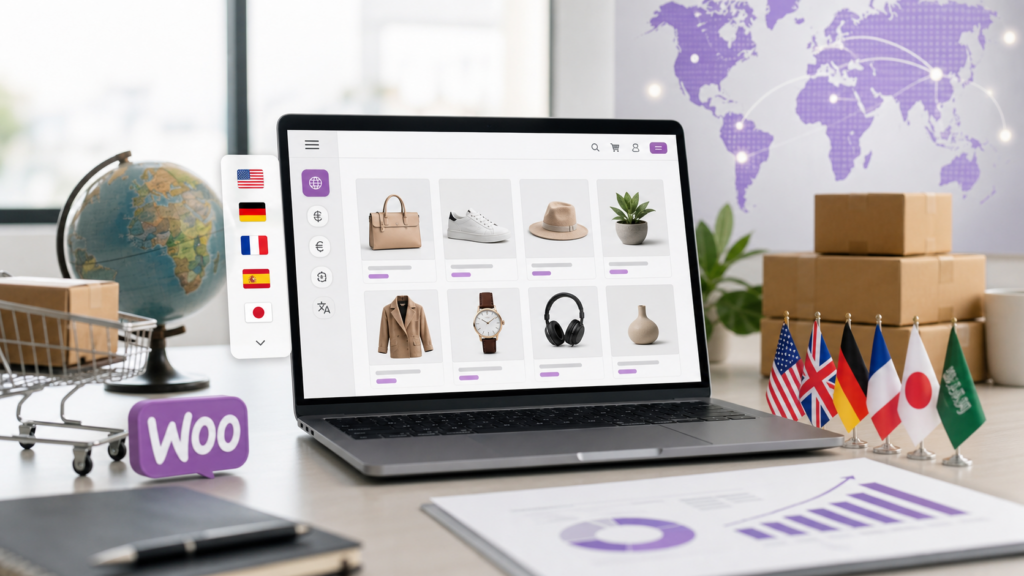
Why Automate WooCommerce Translations?
Expanding your WooCommerce store to international markets is one of the fastest ways to grow your customer base and sales. However, manual translation can be costly, slow, and inconsistent. Automation tools help you translate your store quickly, maintain quality, and manage updates with ease.
Step 1: Assess Your Store’s Translation Needs
- Identify target languages based on your website analytics and market research.
- Prioritize essential pages: product pages, checkout, customer support, and key policies.
- Consider translating dynamic content such as reviews and user-generated content.
Step 2: Choose the Right Translation Plugin
- Look for plugins that offer AI-powered automated translations, such as TeknoTok AI Translator for WordPress and WooCommerce.
- Ensure compatibility with your WooCommerce setup and theme.
- Prefer plugins that support bulk translation and automatic updates for new products or content changes.
Step 3: Install and Configure Your Translation Tool
- Install the plugin from the WordPress admin dashboard.
- Connect your plugin to an AI translation service if required (many come with built-in AI capabilities).
- Set your default and additional languages from the plugin settings.
- Configure how translations are handled—fully automatic, with manual review, or a hybrid approach.
Step 4: Automate Product and Page Translations
- Use the plugin to automatically translate all existing products and pages into the selected languages.
- Schedule or enable automatic translations for new content as it’s published.
- Maintain consistency by applying translation memory and glossaries if supported.
Step 5: Optimize User Experience for Multilingual Customers
- Add language switchers to prominent areas like the header or footer.
- Ensure your checkout process, emails, and notifications are fully localized.
- Test site navigation and performance in each language.
Step 6: Monitor, Update, and Maintain Translations
- Periodically audit translations for accuracy and relevance.
- Track conversion rates and user engagement by language.
- Update terminology and add new languages as your store grows.
Benefits of Automating Your WooCommerce Translations
- Save time and reduce costs compared to manual translation.
- Consistently high-quality translations powered by evolving AI models.
- Faster global expansion and higher conversion rates.
- Enhanced trust and experience for international customers.
Getting Started with TeknoTok AI Translator
If you want an easy, reliable solution, try TeknoTok AI Translator for WordPress and WooCommerce—a powerful plugin that automates and manages translations at scale. Learn more and start your free trial.
Conclusion
Automating your WooCommerce store translations streamlines your global expansion and delivers a superior shopping experience for every customer. Take the next step—adopt the right translation tools and unlock the full potential of multilingual ecommerce.
Frequently Asked Questions
How accurate are automated translations for WooCommerce stores?
Modern AI-powered translation tools deliver highly accurate results for most ecommerce content. However, we recommend reviewing key pages and customizing terminology to ensure the best user experience.
Can I manually edit automated translations?
Yes, most professional translation plugins allow you to review and manually adjust any translated content for greater precision or to reflect brand voice.
Will automating translations affect my store’s SEO?
Quality translation plugins create SEO-friendly multilingual versions of your site, often including hreflang tags and translated metadata. This can improve your international search rankings.
Is there a risk of site slowdown when adding translation automation?
Efficient plugins like TeknoTok AI Translator are optimized for performance and typically have a minimal impact on site speed. It’s important to regularly test your site after implementation.

 中文
中文  हिन्दी
  Español
  Français
  العربية
  Português
  Русский
  Bahasa Indonesia
  Deutsch
  日本語
日本語  Türkçe
  Italiano
  Nederlands
Leave a Reply