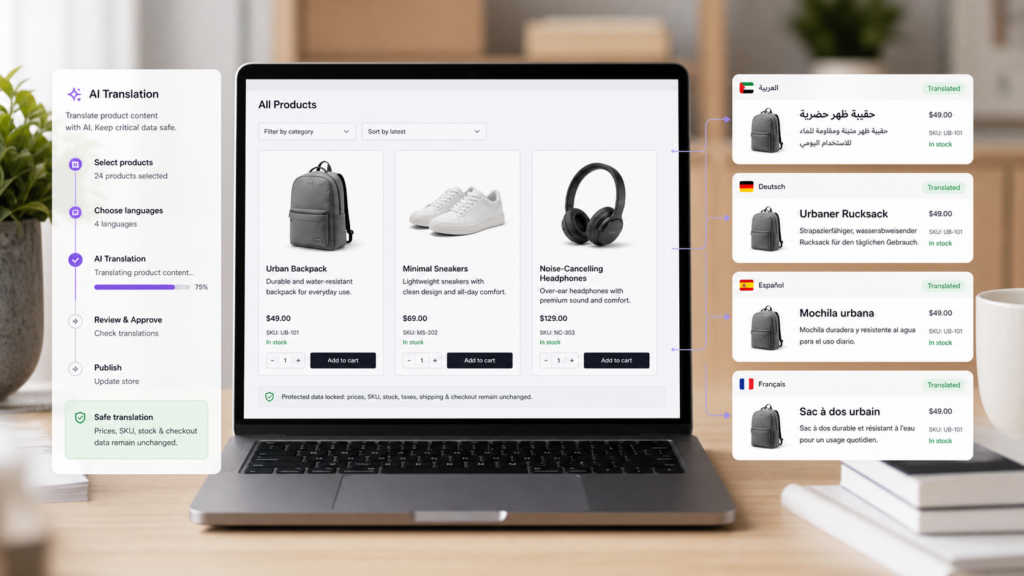
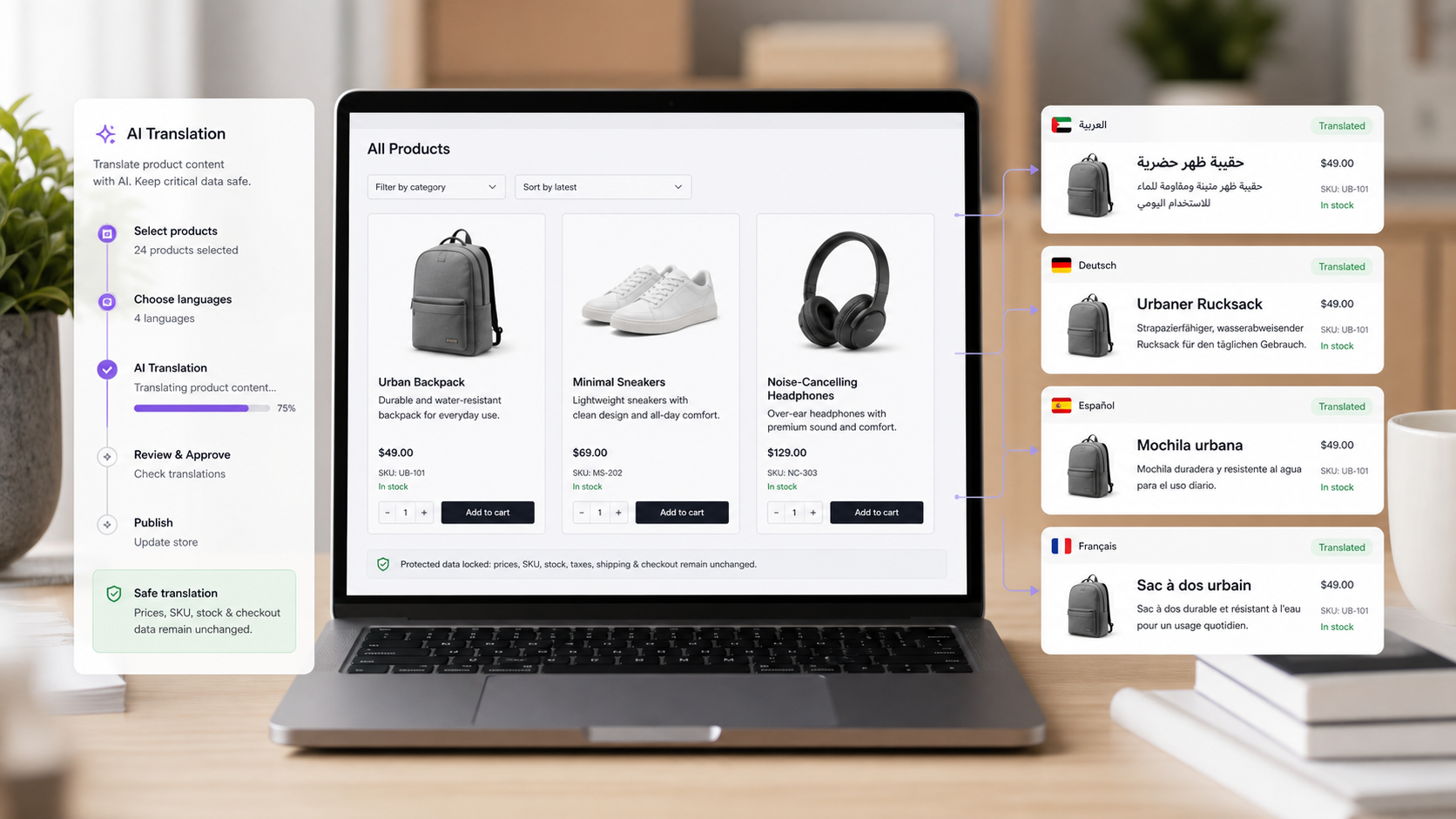
If you run a WooCommerce store, translating products is more sensitive than translating a normal blog post. Product titles and descriptions should be localized, but prices, SKUs, tax settings, stock, checkout totals, payment fields, orders, and customer data must stay stable.
TeknoTok AI Translator is built for this kind of practical WooCommerce translation workflow.
What to translate first
Start with the customer-facing text that helps a buyer understand the product:
- Product titles.
- Short descriptions.
- Long descriptions.
- Product category text.
- Attribute labels.
- Cart item display names.
- SEO titles and meta descriptions.
- Image alt text.
Do not start by changing operational store data. A safe WooCommerce translation plugin should preserve the parts of your store that control checkout and fulfillment.
Safe AI workflow for WooCommerce products
- Install TeknoTok AI Translator from WordPress.org.
- Choose your source language and target language.
- Start with a small set of important products.
- Review translated product titles and descriptions.
- Check cart and checkout display text.
- Review translated SEO metadata.
- Upgrade to Pro when your word volume is larger than the free limit.
Install TeknoTok AI Translator on WordPress.org
What TeknoTok keeps untouched
TeknoTok focuses on display translation, not rewriting store records that WooCommerce depends on.
TeknoTok does not rewrite:
- Prices.
- SKUs.
- Tax values.
- Stock values.
- Dimensions.
- Checkout totals.
- Payment fields.
- Orders.
- Coupons.
- Customer account records.
That distinction matters. A multilingual WooCommerce store needs translated buyer-facing content without damaging commerce logic.
SEO checklist for translated WooCommerce products
For international search, translated product content should be discoverable and understandable:
- Use language-prefixed URLs where appropriate.
- Add hreflang output.
- Translate SEO titles and meta descriptions.
- Translate image alt text.
- Include translated pages in sitemap workflows after translation jobs complete.
- Link internally from guides, homepage sections, and footer links to the Pro page.
See TeknoTok AI Translator Pro SEO features
When to upgrade to Pro
The free plugin is useful for testing. It lets you translate up to 3,000 words, which is enough to understand the workflow on a small website.
Upgrade to TeknoTok AI Translator Pro when:
- Your store has more product content than the free limit.
- You want to translate multiple product categories.
- You need more languages.
- You want ongoing AI translation capacity for new products and page updates.
FAQ
Can AI translate WooCommerce products safely?
Yes, if the plugin separates customer-facing text from operational store data. TeknoTok is designed to translate display text while keeping commerce-critical values untouched.
Does TeknoTok translate checkout?
TeknoTok can help with selected customer-facing WooCommerce strings and cart/order review display text. It does not rewrite payment fields, checkout totals, order data, or tax calculations.
Is this only for large stores?
No. Small WooCommerce stores can start with the free plugin, translate key products, and upgrade only when the word volume grows.

 中文
中文  हिन्दी
  Español
  Français
  العربية
  Português
  Русский
  Bahasa Indonesia
  Deutsch
  日本語
日本語  Türkçe
  Italiano
  Nederlands
Leave a Reply