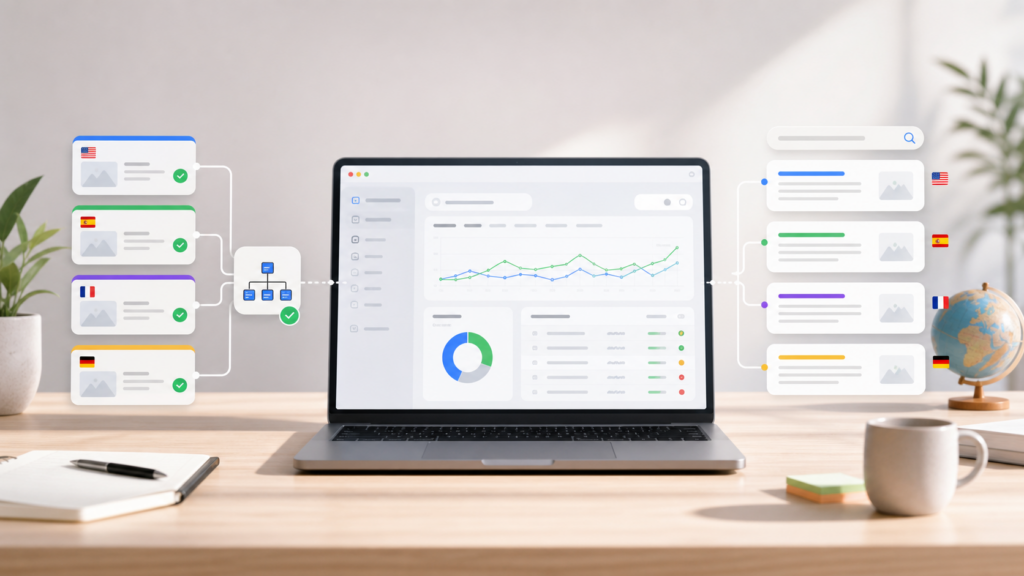
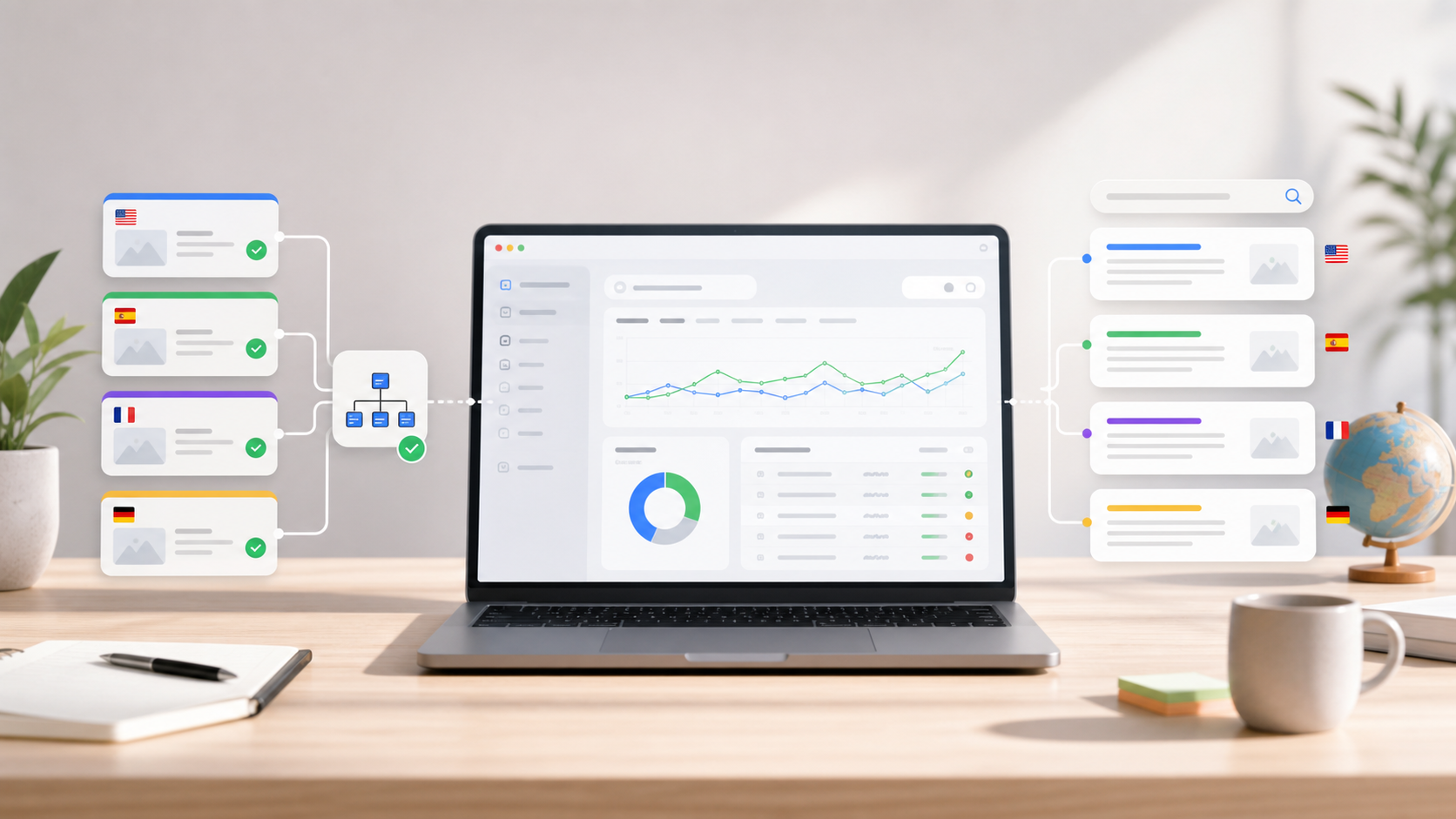
Publishing translated WordPress content is only the first step. Google also needs to crawl it, understand the language version, discover it through links or sitemaps, and decide that the page is useful enough to index.
If Search Console shows translated URLs as crawled but not indexed, do not treat that as one single problem. It usually means several small signals need to be cleaned up together.
This checklist explains how to review multilingual WordPress pages before you ask Google to index more translated content.
Start with the page quality question
Before you inspect tags and sitemaps, open the translated page like a real visitor.
Ask:
- Does the translated page answer a clear search intent?
- Is the translation readable, natural, and specific?
- Is the page more than a thin copy of a short source page?
- Does it have localized headings, body text, image alt text, and SEO fields?
- Does it link to the next useful product, guide, or comparison page?
Google can crawl a translated page and still choose not to index it if the page looks thin, repetitive, or low value.
Confirm the URL is crawlable
Translated content should be available at a real URL that search engines can fetch without relying on browser-only translation.
Check:
- The translated URL returns HTTP 200.
- The page is not blocked by robots.txt.
- The page does not output a noindex directive.
- The translated content appears in the HTML response, not only after a private admin action.
- The page works on mobile without layout overflow or hidden content.
For a WordPress site, this matters because translated pages often look fine to logged-in users while search engines see a weaker or incomplete version.
Use canonical tags carefully
Canonical tags are one of the most common multilingual SEO mistakes.
If a translated page should be indexed, its canonical URL should usually point to that same translated URL. If every translated page canonicalizes back to the original English page, search engines may treat the translated pages as alternate copies rather than indexable language pages.
Review:
- Source-language page canonical points to the source URL.
- Translated page canonical points to the translated URL when it should be indexed.
- Duplicate test pages, empty translation pages, and low-value variants are not accidentally competing.
Canonical tags are not a replacement for hreflang. They answer a different question.
Add hreflang when language alternatives exist
Hreflang helps Google understand which language or regional version should appear for the right searcher.
For each important translated page, check:
- The source page links to translated alternates.
- Each translated page links back to the source page and sibling language pages.
- Language codes are valid.
- URLs in hreflang tags return HTTP 200.
- The canonical and hreflang signals do not contradict each other.
If hreflang is missing, Google may still index pages, but it has less help choosing the correct language URL.
Make translated URLs discoverable
Search engines need paths into your translated content. Internal links and sitemaps both matter.
For multilingual WordPress indexing, review:
- The main WordPress sitemap includes source pages, posts, and products.
- A language sitemap or multilingual sitemap includes translated URLs where appropriate.
- Navigation, footer links, article CTAs, and related content point to important translated pages.
- Removed or unfinished translations do not remain in sitemap output.
- Search Console has the correct sitemap URL submitted.
For TeknoTok Soft, the correct main sitemap is the WordPress sitemap, and translated language URLs can also be supported through a dedicated language sitemap when the translation workflow provides one.
Improve internal links before requesting indexing
Indexing requests work better when the target page is part of a useful site structure.
Add internal links from:
- The homepage when the page is strategically important.
- Product pages when the article explains a buying question.
- Blog posts with related search intent.
- Footer links for evergreen product or service pages.
- Comparison and checklist articles that naturally continue the topic.
For example, a translated WordPress SEO guide can link to the TeknoTok AI Translator WordPress.org plugin, the free translator page, and the TeknoTok AI Translator Pro page.
Review Search Console labels correctly
Search Console reports are useful, but the labels need context.
Common cases:
- Crawled – currently not indexed: Google fetched the page but has not selected it for the index.
- Discovered – currently not indexed: Google knows the URL but has not crawled it yet.
- Alternate page with proper canonical tag: Google found a related URL and chose the canonical.
- Excluded by noindex: the page is intentionally or accidentally blocked from indexing.
- Page with redirect: the URL is not the final indexable destination.
Do not request indexing for every URL blindly. Start with the pages that have strong search intent, complete translated content, and useful internal links.
Practical QA checklist
Use this short review before submitting a translated URL for indexing:
- Open the translated URL in a private browser.
- Confirm HTTP 200.
- Confirm exactly one clear H1.
- Confirm the translated title and main content are readable.
- Confirm the page is not noindexed.
- Confirm canonical points to the intended indexable URL.
- Confirm hreflang alternates are valid when language versions exist.
- Confirm the page appears in the right sitemap output.
- Confirm at least two relevant internal links point to the page.
- Confirm the page has a next step for the visitor.
Where TeknoTok AI Translator fits
TeknoTok AI Translator helps WordPress site owners create and review multilingual content with a practical AI workflow. It is designed for pages, posts, menus, categories, tags, SEO fields, image alt text, WooCommerce content, crawlable translated URLs, and language sitemap support.
Small sites can start with the free plugin. Larger sites, agencies, and WooCommerce stores can use Pro when the translation volume and SEO workflow become more serious.
Install TeknoTok AI Translator on WordPress.org
Start with TeknoTok AI Translator Free
Compare TeknoTok AI Translator Free and Pro
FAQ
Why are translated WordPress pages crawled but not indexed?
Google may crawl a translated page but skip indexing if the page is thin, duplicated, weakly linked, canonicalized to another URL, missing useful localized content, or not important enough compared with other pages.
Should translated pages canonicalize to the original page?
Usually no. If the translated page should rank as its own language URL, its canonical should normally point to itself. Use hreflang to connect language alternatives.
Does a sitemap guarantee indexing?
No. A sitemap helps discovery. Indexing still depends on crawlability, content quality, internal links, canonical signals, and Google's assessment of usefulness.
Is browser translation enough for multilingual SEO?
Usually no. Browser translation can help a visitor understand a page, but it does not reliably create indexable translated URLs, localized metadata, hreflang relationships, or sitemap entries.
Final thought
Multilingual indexing is not one switch. It is a workflow: useful translated content, clean technical signals, discoverable URLs, relevant internal links, and Search Console review.
Start with your most valuable pages. Fix the signals there first, then expand the same checklist across the rest of the site.

 中文
中文  हिन्दी
  Español
  Français
  العربية
  Português
  Русский
  Bahasa Indonesia
  Deutsch
  日本語
日本語  Türkçe
  Italiano
  Nederlands
Leave a Reply