
Translating a WordPress website can become expensive fast. A growing site may need product pages, checkout text, blog posts, menus, support pages, and SEO content in more than one language. If every small update requires manual translation work, the cost grows every time the website grows.
TeknoTok AI Translator is built for site owners who want a more practical path: start translating with AI, review the result, and keep multilingual growth under control without turning translation into a constant budget problem.

Why translation costs add up
Traditional website translation often becomes expensive because it is not a one-time task. A WordPress or WooCommerce site keeps changing:
- New product descriptions need translation.
- Blog posts and landing pages need localized versions.
- Checkout, account, and support pages need clear language.
- SEO pages need updates when offers, pricing, or positioning changes.
For a small business, this can create a difficult choice: stay in one language and miss international visitors, or pay high translation costs before knowing which market will convert.
How TeknoTok AI Translator helps reduce the cost
TeknoTok AI Translator helps you translate WordPress content faster with AI. Instead of paying for every first draft manually, you can generate translations, review the important pages, and improve the content where it matters most.
This saves money in three practical ways:
- You reduce the cost of producing the first translation draft.
- You can test new languages before committing to a large localization project.
- You spend human editing time on high-value pages instead of every small text change.
A better workflow for small teams
The most cost-effective translation workflow is usually not "AI only" or "manual only." It is a simple mix:
- Use TeknoTok AI Translator to create the first translation.
- Review your most important pages, products, and checkout content.
- Improve the pages that already receive traffic or sales.
- Upgrade when your site volume and translation needs grow.
This lets you move faster while still keeping control of the final customer experience.
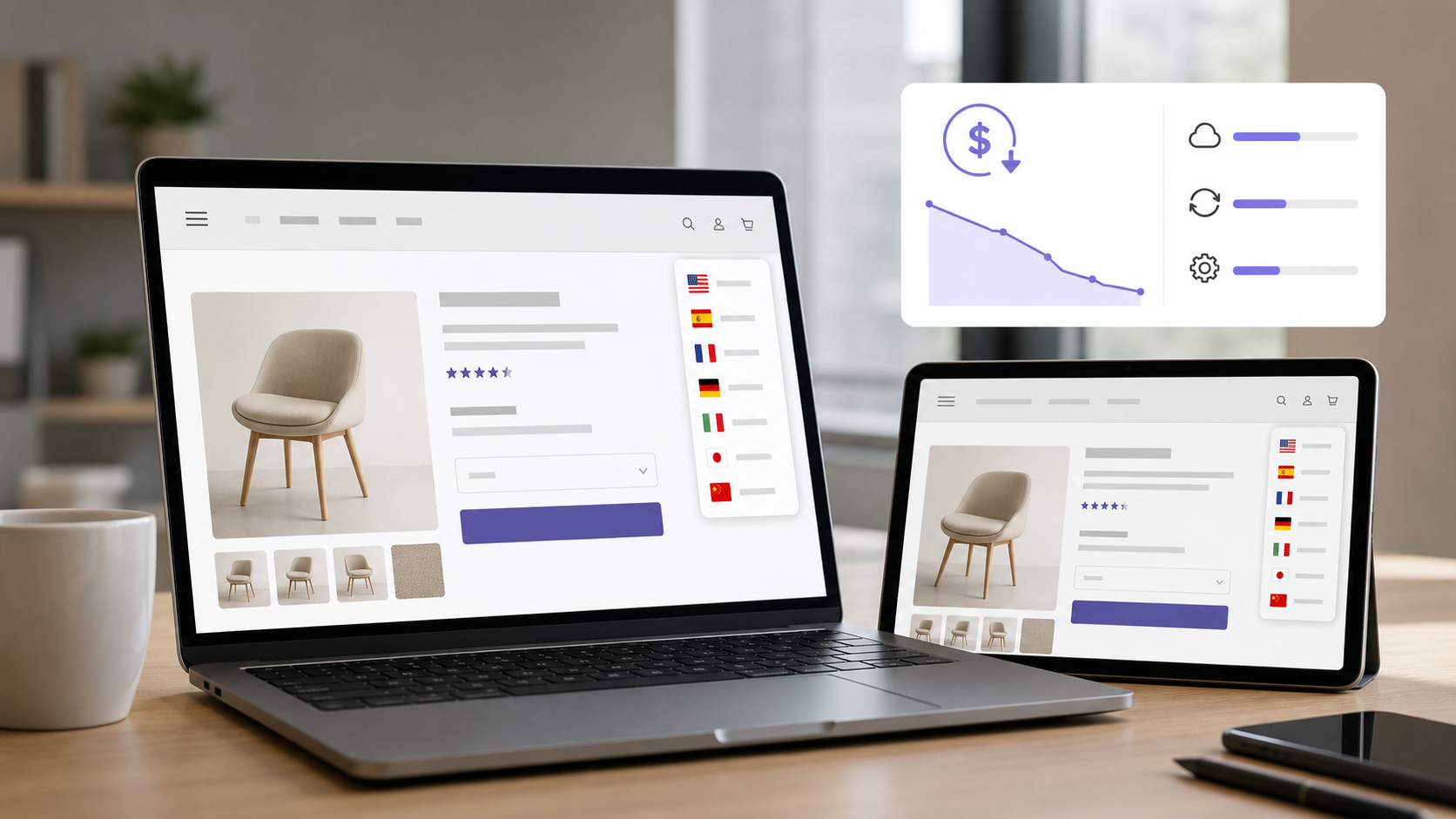
Good fit for WordPress and WooCommerce sites
If you run a WooCommerce store, translation can affect more than page content. Product titles, short descriptions, long descriptions, categories, and customer-facing store pages all need to be understandable. TeknoTok AI Translator helps you start building that multilingual experience without waiting for a large translation budget.
For service websites, blogs, software sites, and small business pages, the same idea applies: translate the key pages first, learn which languages bring visitors, then invest more where the results justify it.
Start free, upgrade when it makes sense
The free TeknoTok AI Translator plugin is a good way to start testing multilingual content on WordPress. When your website grows and you need more translation capacity, TeknoTok AI Translator Pro gives you a stronger path for ongoing work.
Install TeknoTok AI Translator on WordPress.org

 中文
中文  हिन्दी
  Español
  Français
  العربية
  Português
  Русский
  Bahasa Indonesia
  Deutsch
  日本語
日本語  Türkçe
  Italiano
  Nederlands
Leave a Reply